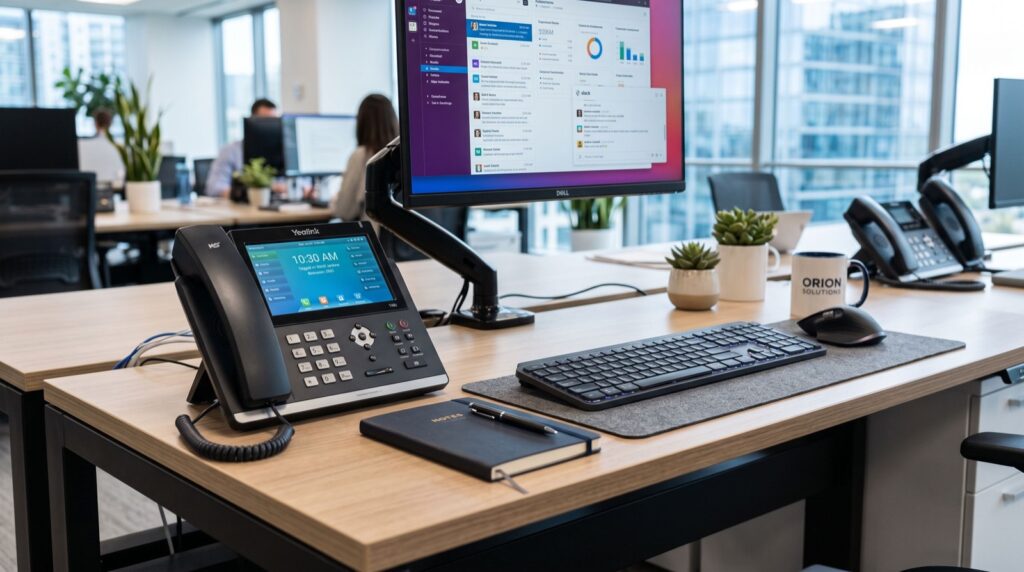
Business IP Phone Guide 2026: 8 Smart Buying Tips
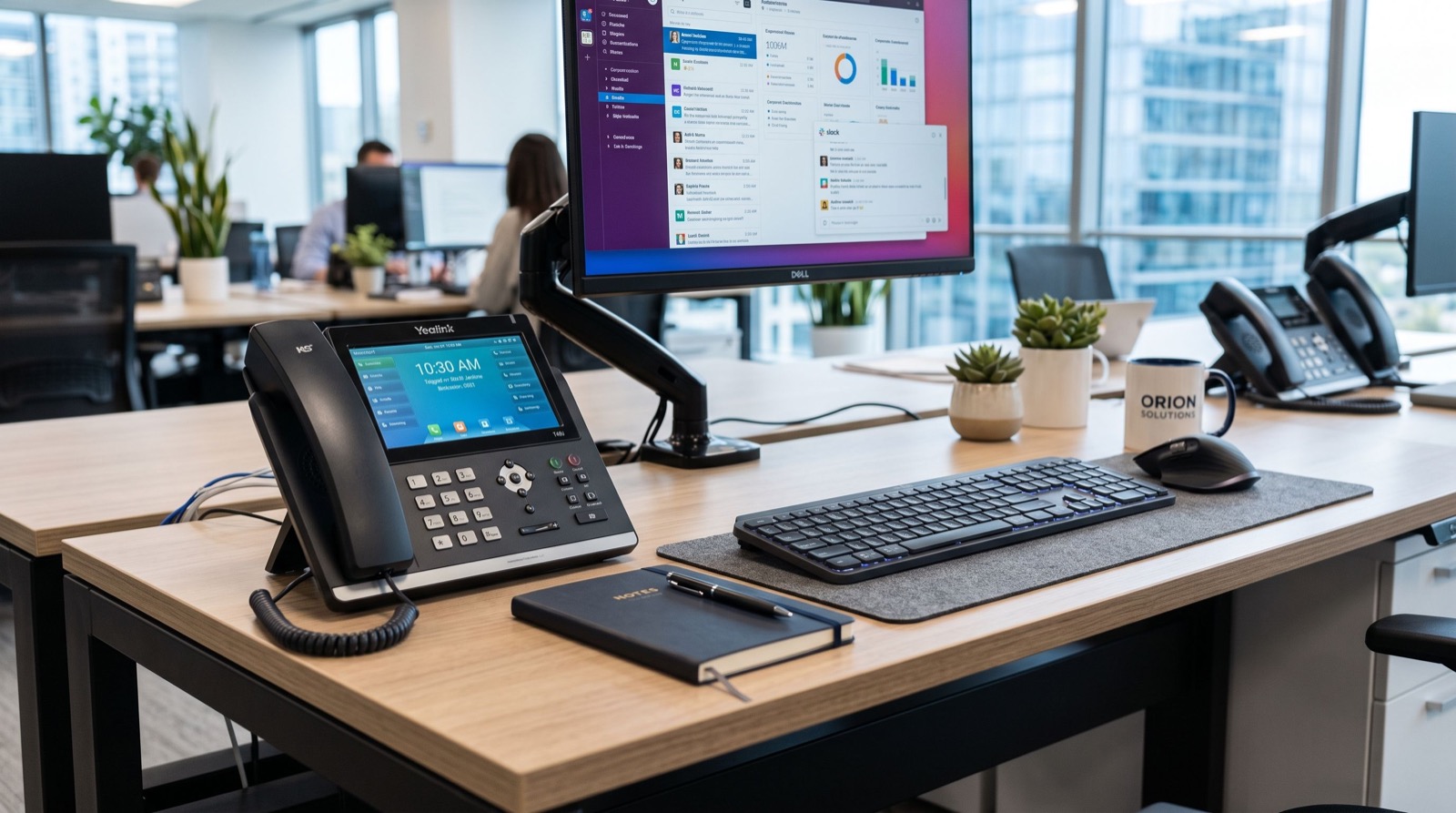
The right business IP phone does more than make calls. It shapes how professionally your company sounds, how quickly staff route enquiries, and how much you spend on telephony every month. For Pakistani businesses modernising in 2026, the desk phone is still the workhorse of daily communication, and choosing well pays off for years.
This guide breaks down what separates a solid handset from a frustrating one, how to match devices to your team, and the overlooked details that decide long-term satisfaction.
What makes a good business IP phone in 2026
An IP phone for business connects over your data network using the SIP standard instead of a copper line. That shift unlocks HD voice, multiple lines, programmable keys and integration with your CRM or PBX. But not all handsets deliver the same experience.
Prioritise these fundamentals:
- HD wideband audio: clearer calls reduce repeated questions and fatigue.
- Dual Gigabit ports: share one network drop between phone and PC.
- PoE support: power over the LAN cable, fewer adapters and cleaner desks.
- Programmable keys: speed-dial, transfer and busy-lamp fields for fast handling.
- A clear display: colour screens make directories and call logs easy to use.
A well-rounded option such as the Fanvil V61G Prime Business Phone packs these essentials into a desk unit built for managers and busy professionals who live on the phone.
Match the business IP phone to the user
The biggest budget mistake is buying one model for everyone. Different roles place very different demands on a handset.
Executives and managers
Decision-makers want a premium feel, a large colour screen and plenty of line keys for monitoring their team. Bluetooth for a wireless headset and an intuitive interface matter here.
Front desk and reception
Reception needs many line keys, quick transfers and often an expansion module to see who is free across the office. Durability counts because the device is in constant use.
General and remote staff
Most desks are served well by a mid-range or entry handset with HD audio and two or three SIP lines. Remote workers can pair a compact model with a softphone app for flexibility.
Business IP phone comparison table
Use this quick reference to align features with roles before you request a quote.
| User type | Must-have features | Nice to have |
|---|---|---|
| Executive | Colour screen, many keys, Bluetooth | HD camera, Wi-Fi |
| Reception | Expansion keys, fast transfer, PoE | Dual display modules |
| General staff | HD audio, 2-3 SIP lines, PoE | Colour display |
Total cost of ownership, not just sticker price
Buyers often compare only the purchase price. The smarter metric is total cost of ownership over five years, which favours IP telephony strongly.
- Call charges: SIP trunks cut per-minute costs, especially inter-office and overseas.
- Maintenance: firmware updates and remote provisioning reduce site visits.
- Scalability: adding extensions is a config change, not new wiring.
- Longevity: quality units last five to seven years with security patches.
For a plain-language primer on how internet calling works and why it saves money, the Voice over IP overview is a reliable starting point before you brief your team.
Installation and support that lasts
Even the best hardware disappoints with a rushed setup. Plan the basics: enable QoS, keep voice on its own VLAN, and label extensions clearly. If telecom is not your core skill, hand the initial configuration to dependable specialists who can port numbers and tune call quality, then manage daily changes yourself.
An original tip from real office rollouts: create a one-page “dial plan cheat sheet” for staff showing transfer, hold, conference and voicemail steps. Adoption and satisfaction jump immediately because people stop fearing the new phone.
When you are ready to compare full ranges, browsing the available fanvil ip phones helps you balance flagship and budget models in a single, consistent order.
How do you choose between wired and wireless business phones?
Wired desk phones on PoE suit fixed workstations and offer the most stable calls. Wireless and Wi-Fi models suit warehouses, retail floors and roaming staff. Many offices mix both: wired at desks, portable units where people move.
Features that quietly boost productivity
Beyond the headline specs, a handful of everyday features separate a phone people tolerate from one they genuinely like. These are the details worth confirming before you commit.
- Busy-lamp fields: see at a glance who is on a call before transferring.
- Local and remote phonebooks: sync contacts so staff dial by name, not number.
- Call recording: useful for training and dispute resolution in sales teams.
- Paging and intercom: reach a colleague or the whole floor instantly.
- Hot-desking: let staff log into any handset and keep their own extension.
These capabilities cost little extra yet compound into real time savings every single day, which is exactly where IP telephony beats legacy lines.
Avoid these common buying mistakes
A few recurring errors trip up first-time buyers in Pakistan. Knowing them in advance keeps your project on budget and on schedule.
- Buying flagship units for every desk: match tiers to roles instead.
- Ignoring the network: no QoS means stutter, regardless of handset quality.
- Forgetting power backup: phones die in outages without a UPS on the switch.
- Skipping training: unused features waste the money you spent on them.
- Locking into proprietary gear: open SIP keeps you free to change providers.
Frequently Asked Questions
What is the difference between a business IP phone and a home phone?
A business IP phone supports multiple SIP lines, programmable keys, HD audio and central management, while a home phone typically handles one line with minimal features. The business unit is built for volume and integration.
Do I need a PBX to use an IP phone?
You need either an on-premise IP-PBX or a hosted cloud PBX, or a SIP trunk provider. Any of these lets your handsets make and receive calls and route them between extensions.
Can an IP phone integrate with my CRM?
Many models support click-to-dial and contact lookup through the PBX or softphone layer, so staff see caller details instantly and log calls without manual entry.
How long does an IP phone last?
Quality units typically serve five to seven years. Regular firmware updates extend their life by adding features and closing security gaps.
Conclusion
A business IP phone is a long-term investment in how your company communicates, so choose for the next five years, not just today. Match handsets to roles, weigh total cost of ownership over sticker price, and get the installation right the first time. Done well, the upgrade sharpens your professional image while cutting monthly call bills.
Ready to equip your team? Compare models, confirm your network is VoIP-ready, and request a tailored quote today to start sounding clearer and spending less.